
BI migration without rebuilding every report by hand
DAXORA Forge converts supported reports and dashboards between enterprise BI platforms where the conversion path is implemented and validated, so migration teams rebuild by hand only what cannot be converted.
The problem
Moving from one BI platform to another, or running two side by side after a merger, can mean hundreds of reports to recreate. Rebuilding each one by hand is slow and risks changing what the numbers mean.
Platforms store data models, calculations, formatting and security differently, so a migration is never just a matter of copying charts.
How DAXORA Forge helps
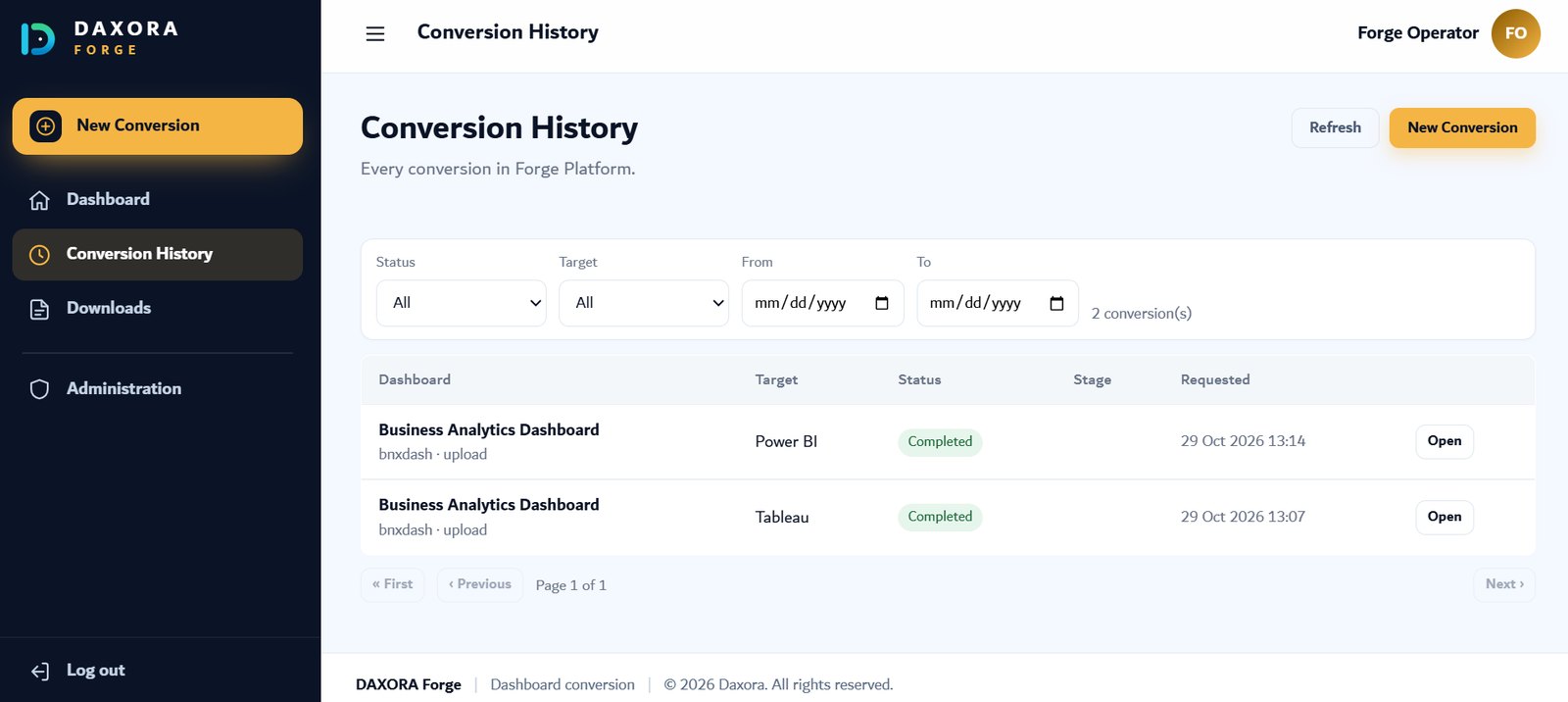
Forge converts supported assets into native reports on the target platform. Each conversion direction is a separate, validated path, and assets outside a supported path are identified so they can be rebuilt by hand.
- Inventory the reports to migrate, with their owners and how often they are used.
- Confirm which assets fall within a supported, validated conversion path.
- Convert the supported assets with DAXORA Forge.
- Compare each converted report with the original and correct any differences.
- Rebuild the assets outside supported paths by hand, then retire the originals.
Relevant capabilities
- Native BI report generation: Generate dashboards and reports as native assets of the target platform.
- Supported BI asset conversion: Convert supported reports and dashboards between enterprise BI platforms.
- Power BI, Qlik Sense and Tableau support: Target selected platforms where implemented and validated.
- Independent of Studio and Insight: Use Forge on its own, or alongside the other platforms.
A practical example
Illustrative example: after an acquisition, a company runs Power BI and Tableau side by side. It inventories the acquired company's dashboards, converts those within a validated path with Forge, compares each result with the original, and schedules the remaining dashboards for manual rebuilding.
Supported data sources and platforms
- Supported platforms: Microsoft Power BI, Qlik Sense and Tableau, where the path is implemented and validated.
- Forge converts Power BI, Qlik Sense and Tableau dashboards into native dashboards.
- Supported inputs, asset types, versions and conversion directions are confirmed per project before work starts.
Limitations and what to check
- Conversion is limited to supported assets and validated paths. Each conversion direction is confirmed per project.
- Converted reports must be compared with the originals. Calculations and security rules in particular need review.
- Licensing, data connections and user training on the target platform remain part of the migration project.
How to request a demo
- Request a demo with the form and tell us which data sources and platforms you use.
- We confirm which sources, targets and deployment options apply to your environment.
- We show the product with a scenario that matches your use case.
- You decide on next steps, with no obligation.
Frequently asked questions
Can DAXORA Forge migrate every report automatically?
No. Forge converts supported assets on validated paths. Reports outside those paths are identified so they can be rebuilt by hand.
Which BI platforms does Forge support?
Power BI, Qlik Sense and Tableau are the supported platforms, where implemented and validated. Paths are confirmed per project.
How do we check that a converted report is correct?
Compare it side by side with the original: totals, filters, calculations, formatting and access rules. The report owner should sign off before the original is retired.
Related pages
See DAXORA Studio, Insight and Forge with your own use case
Tell us where your data lives and what decisions you need to support. We will show you how the platforms apply.